Using Connected Service

Find My Car

The Vehicle Finder has two functions: One is to display the vehicle position on a map and the other is to flash the headlights for visual confirmation of the vehicle.

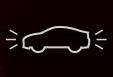
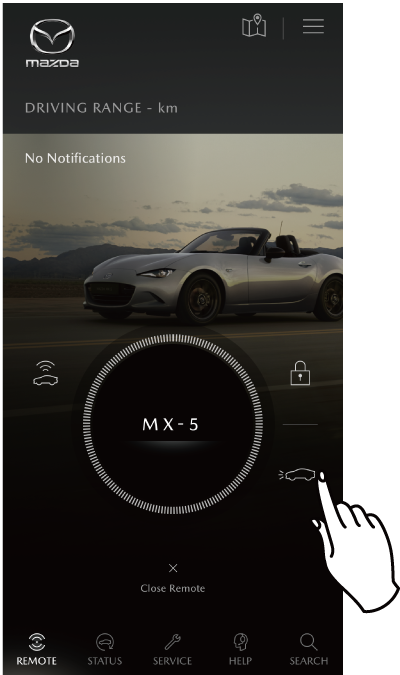
Flashing of Headlights

Touch on the menu screen to request flashing of the headlights.

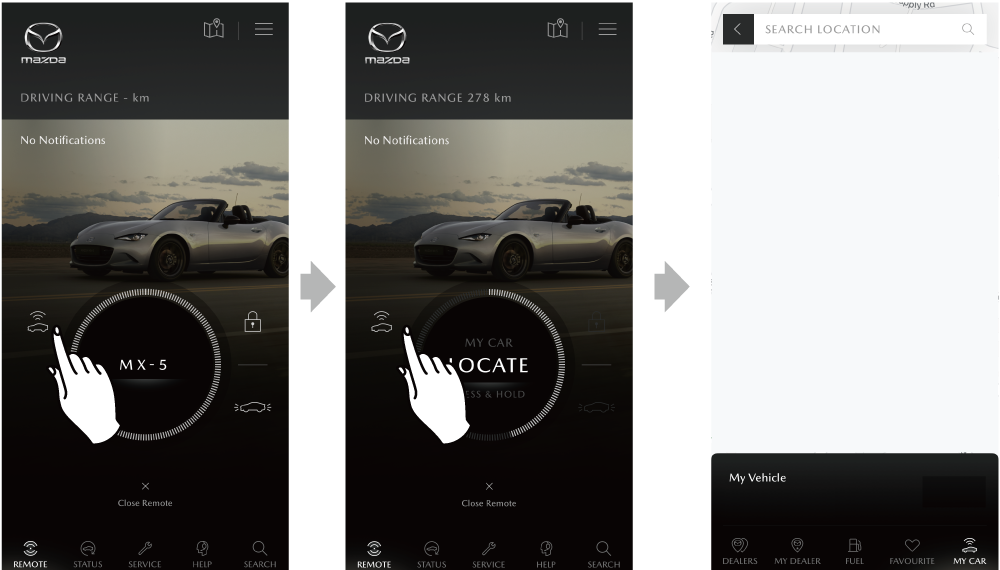
Displaying the Vehicle Position on a Map

Press and hold to change the display to [LOCATE]. Touch again to display the vehicle location.

  • When the vehicle is in a location subject to weak radio wave signals, such as an underground parking garage, communication with the system may be difficult, therefore, the location indication may be incorrect and/or operations may not be able to be performed.
  • Information related to height, such as the number of floors of a multistory parking garage is not displayed.
  • The Vehicle Finder refers to information at the time the ignition switch was switched OFF.
  • If the vehicle's headlight switch is turned on, you cannot use Find My Car to flash the headlights.
  • If any door /boot is open, the Find My Car will not function.
  • The headlight flashing can be stopped by performing any of the following operations while they are flashing:
    - Any door, the boot is opened.
    - The ignition switch/power switch is switched ON or the engine is started using the push button start.
  • If the ignition has not been switched ON for a long period of time and the doors are repeatedly opened and closed causing low remaining battery charge, a message is displayed on the multi-information display and a low battery charge warning beep may be activated for some vehicles. In this case, the following Connected Service functions will not be available.
    Vehicle Status Alert / Remote Control / Find My Car