
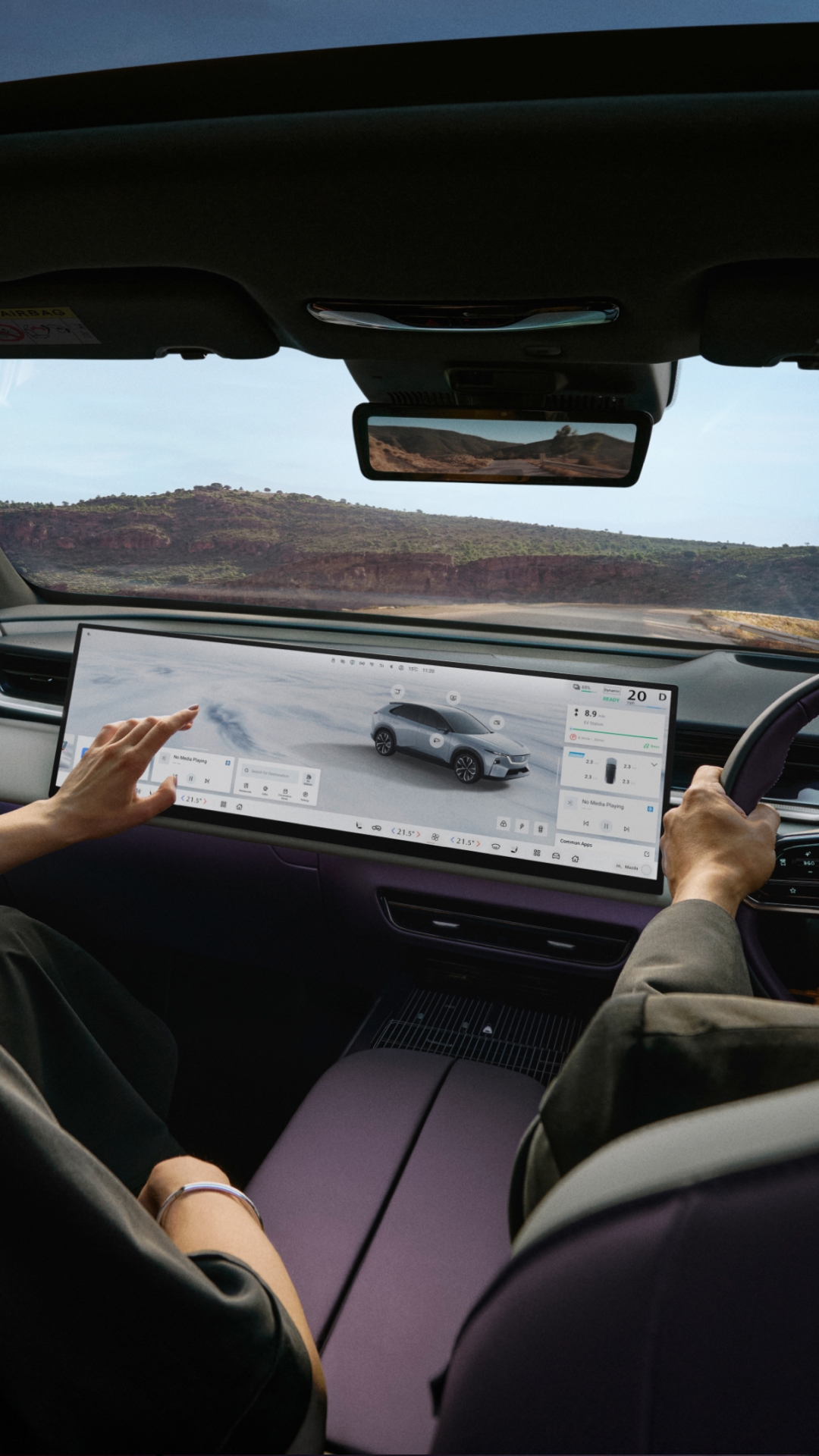
Voice and gesture control
Control key features using natural voice commands simple hand movements.
Voice Control
- Say “Hi Mazda” or press the microphone button to get started
- Adjust navigation, climate, media and more hands-free
- The system recognises where the command is coming from for more accurate responses
Voice control helps you stay focused on the road. Read more here
Gesture recognition
Use simple hand movements to control selected features.
To access gesture control, go to “Vehicle Centre > Cab Monitor” on the centre display.
Once Gesture Recognition is enabled, if you perform a gesture that hasn't been learned yet, the system will display a prompt screen to guide you through the learning process. Simply follow the on-screen instructions to complete gesture setup.
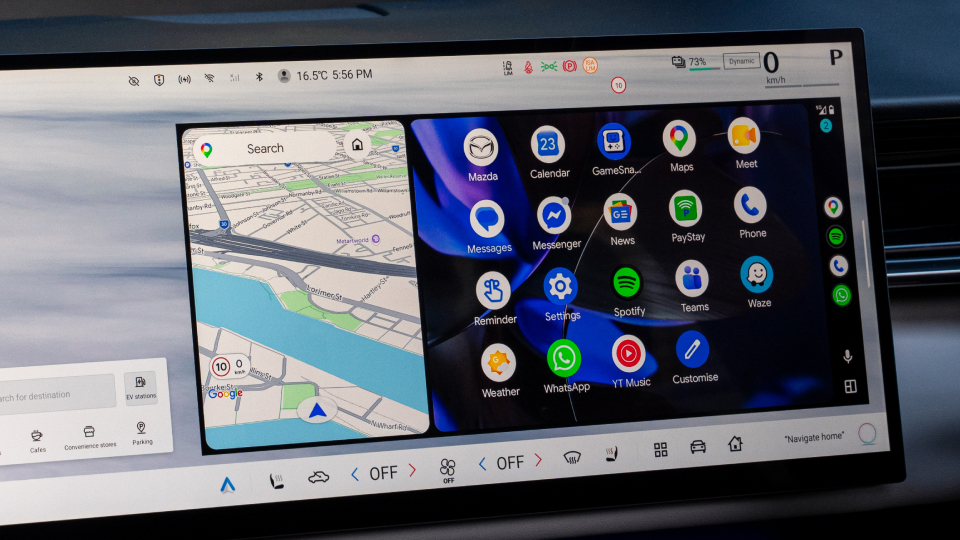
Apple Carplay® and Android Auto™
Connect your smartphone seamlessly for easy access to your favourite apps.
- Connect wirelessly or via USB
- Access calls, messages, music and navigation
- Use your phone’s voice assistant via the steering wheel controls
- Switch between smartphone and vehicle systems at any time
Once connected, your apps appear directly on the centre display.
Frequently Asked Questions
Yes. The CX-6e supports both Apple CarPlay and Android Auto, connecting wirelessly or via USB. Once connected, your apps appear on the centre display and you can use your phone's voice assistant through the steering wheel controls.
Say "Hi Mazda" or press the microphone button on the steering wheel. You can then adjust navigation, climate, media and more hands-free. The system identifies where the command originates for more accurate responses.
Gesture control is enabled via Vehicle Centre > Cab Monitor on the centre display. Gestures include waving left or right to change music tracks, making a circle to navigate home, or a customisable thumbs-up gesture. If you perform an unrecognised gesture, the system guides you through the learning process.
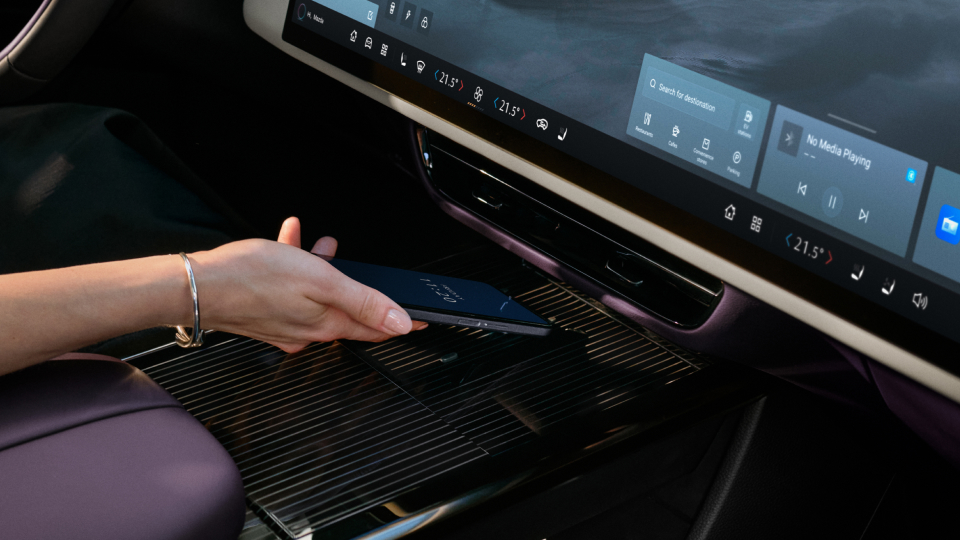
The front provides a USB-A port (data and connectivity) and a USB-C port (charging). The rear has a USB-C charging port. A wireless charger is also available for compatible devices and can be controlled through vehicle settings.
Yes. The built-in navigation is designed for electric driving and can locate nearby charging stations on the map, filter by speed and connector type, and plan routes that include charging stops based on your current battery level.