Getting Started
Getting familiar with your Mazda CX-6e is simple. From unlocking the vehicle to selecting your drive mode, everything is designed to feel intuitive from your very first drive.

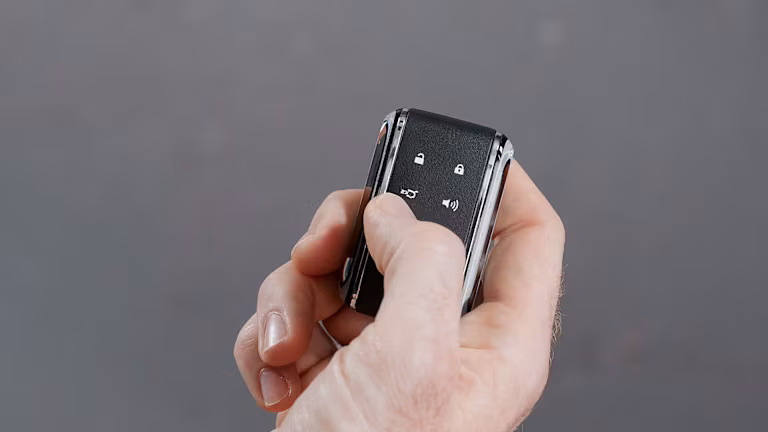
Unlocking and Locking the Car
Discover the different ways to unlock and access your CX-6e, from the key fob and smartphone key to the vehicle's intelligent entry features.
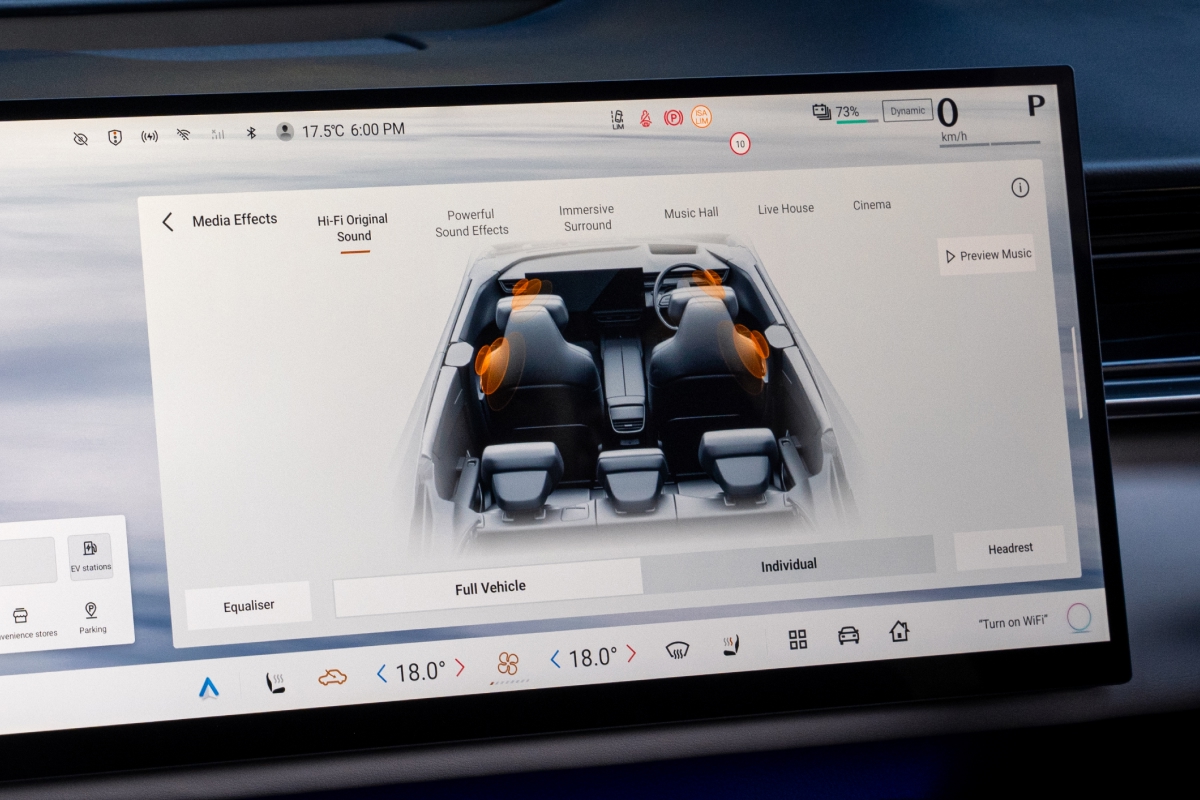
Seating & Comfort
Learn how to create your ideal driving position by adjusting the seat, steering wheel and mirrors for optimum comfort and visibility.
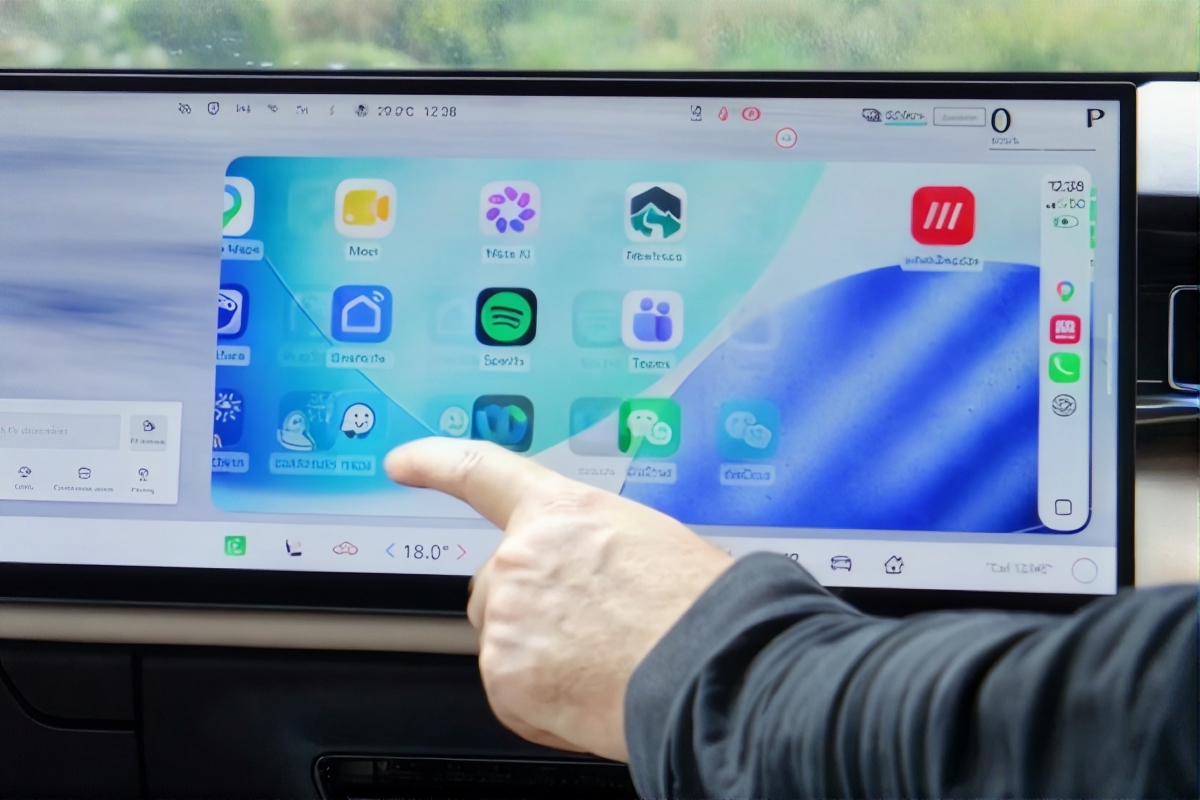
Connecting Apple CarPlay & Android Auto
Learn how to connect Apple CarPlay or Android Auto, access your favourite apps and stay connected with hands-free calls, messaging and navigation.
Driving Experience
Your Mazda CX-6e includes a range of driving and safety features designed to support confident, comfortable electric driving.

Starting & Driving
Learn how to start, drive and park your CX-6e with confidence. From gear selection to driver assistance features, discover the essentials for your first time behind the wheel.
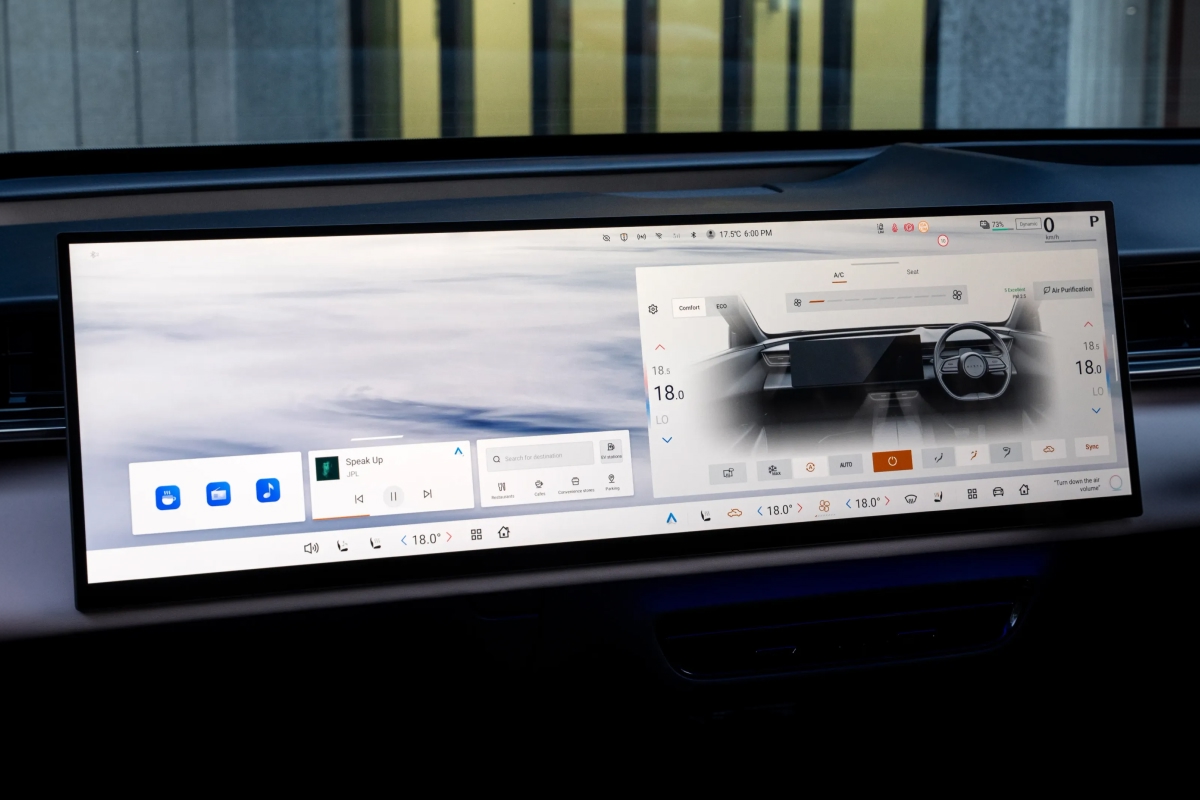
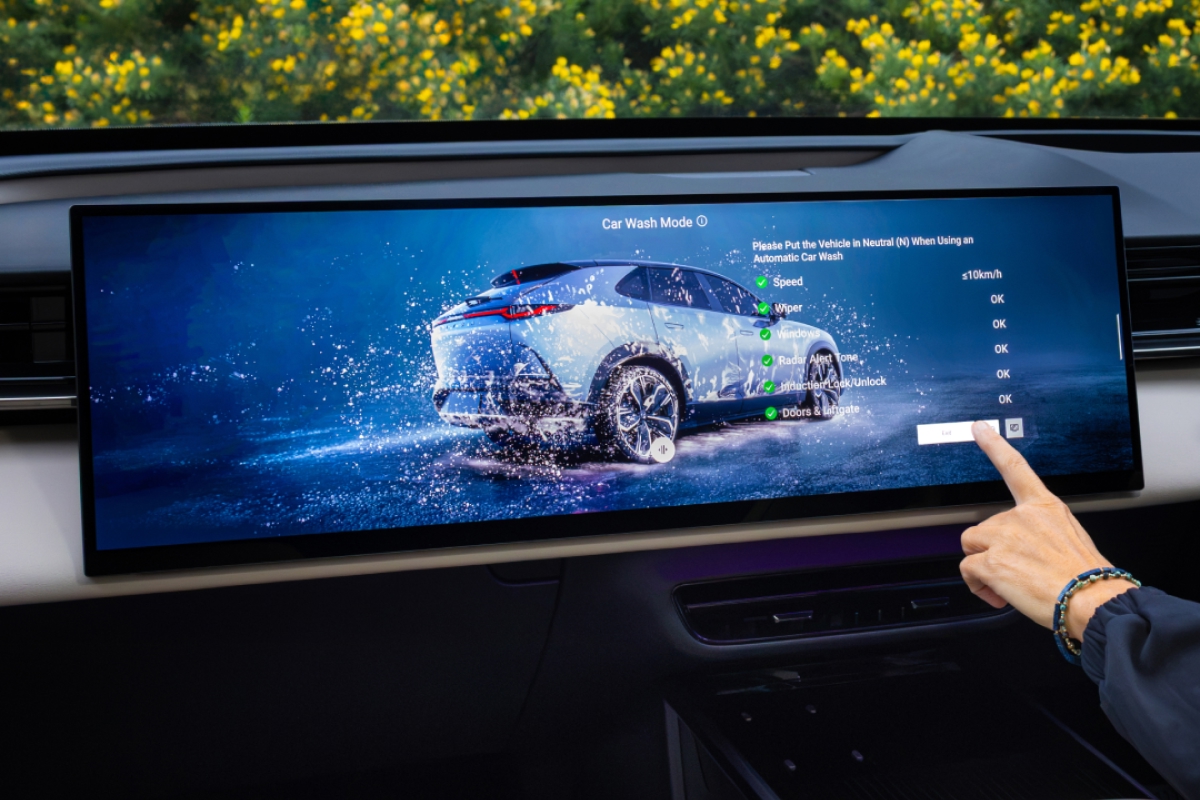
Driver & Passenger Displays
Explore the CX-6e's advanced dual-screen display and learn how to access vehicle settings, comfort features and voice control.
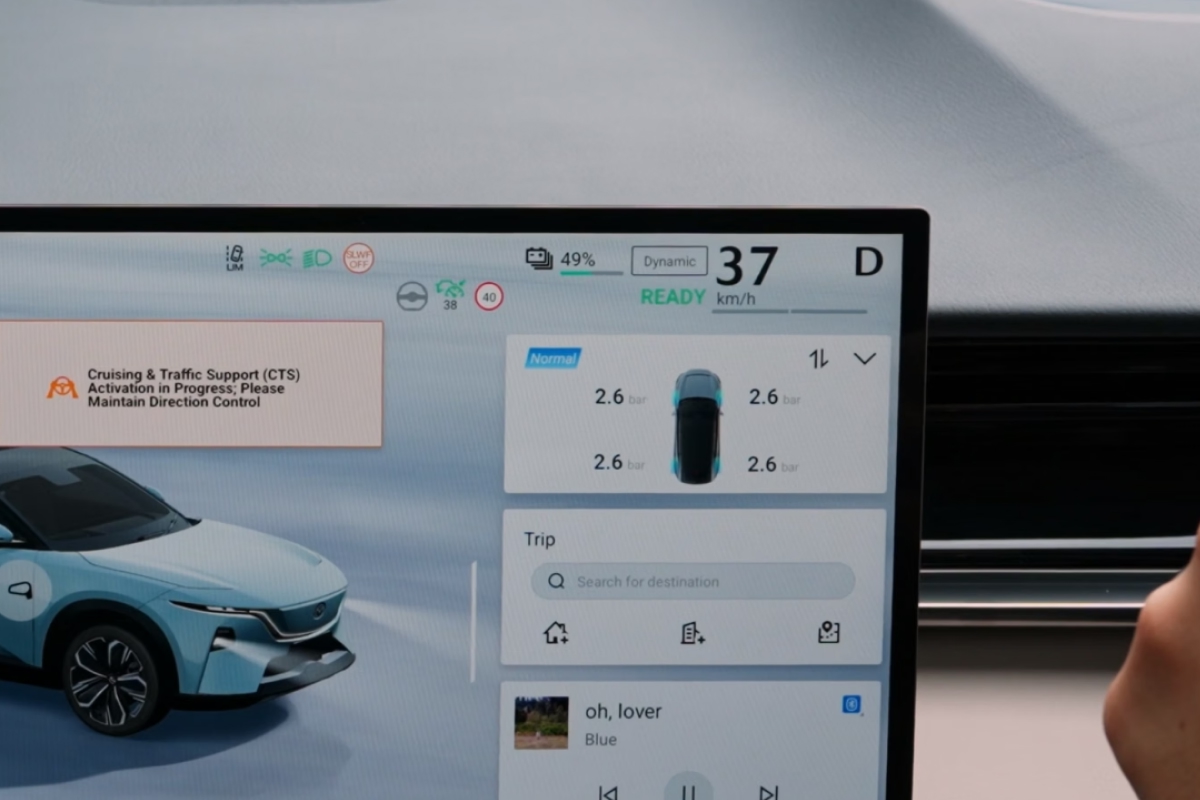
Your Driving Displays
Understand the driver's display and head-up display, including range, speed, navigation and energy flow information.

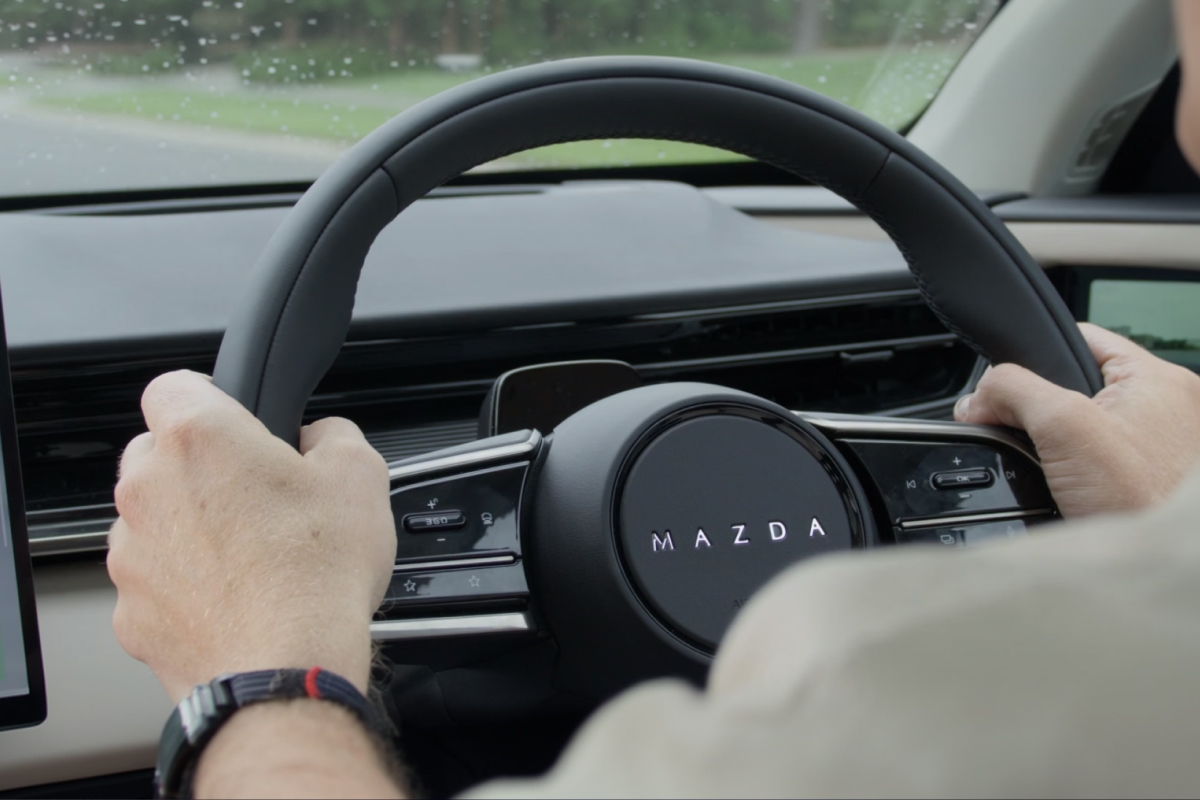
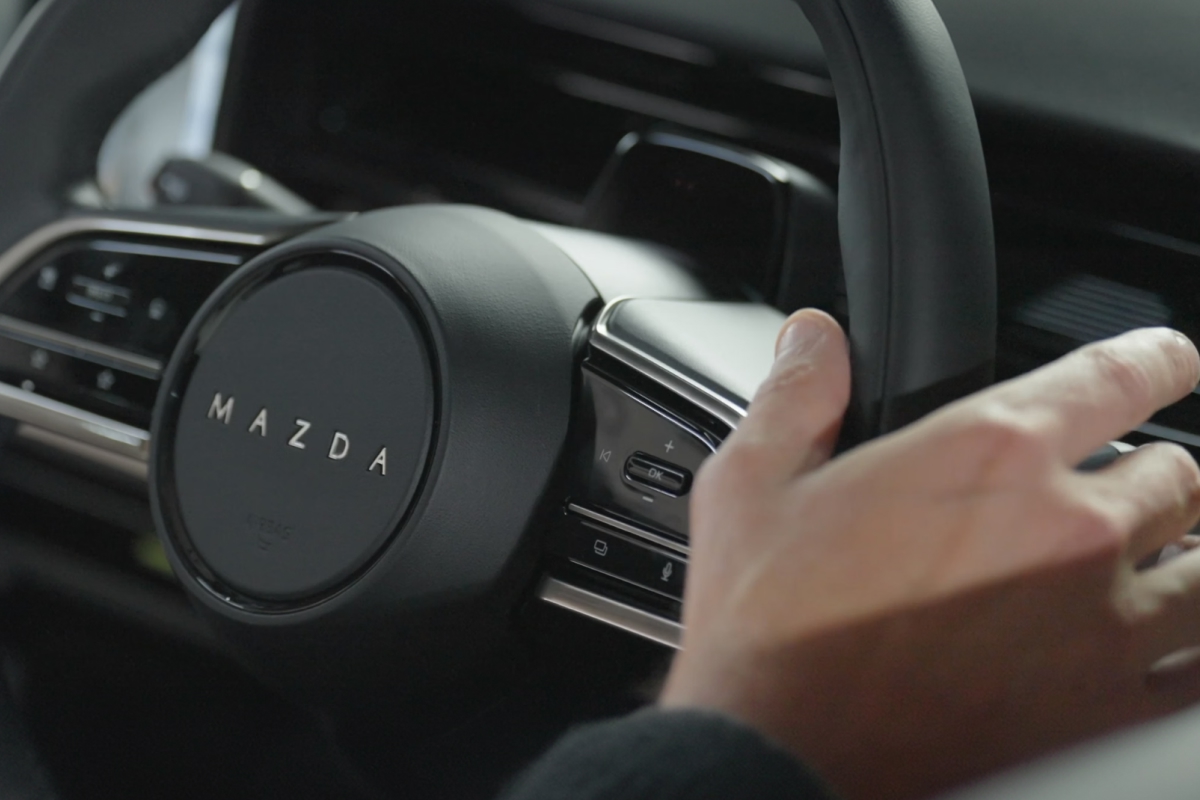
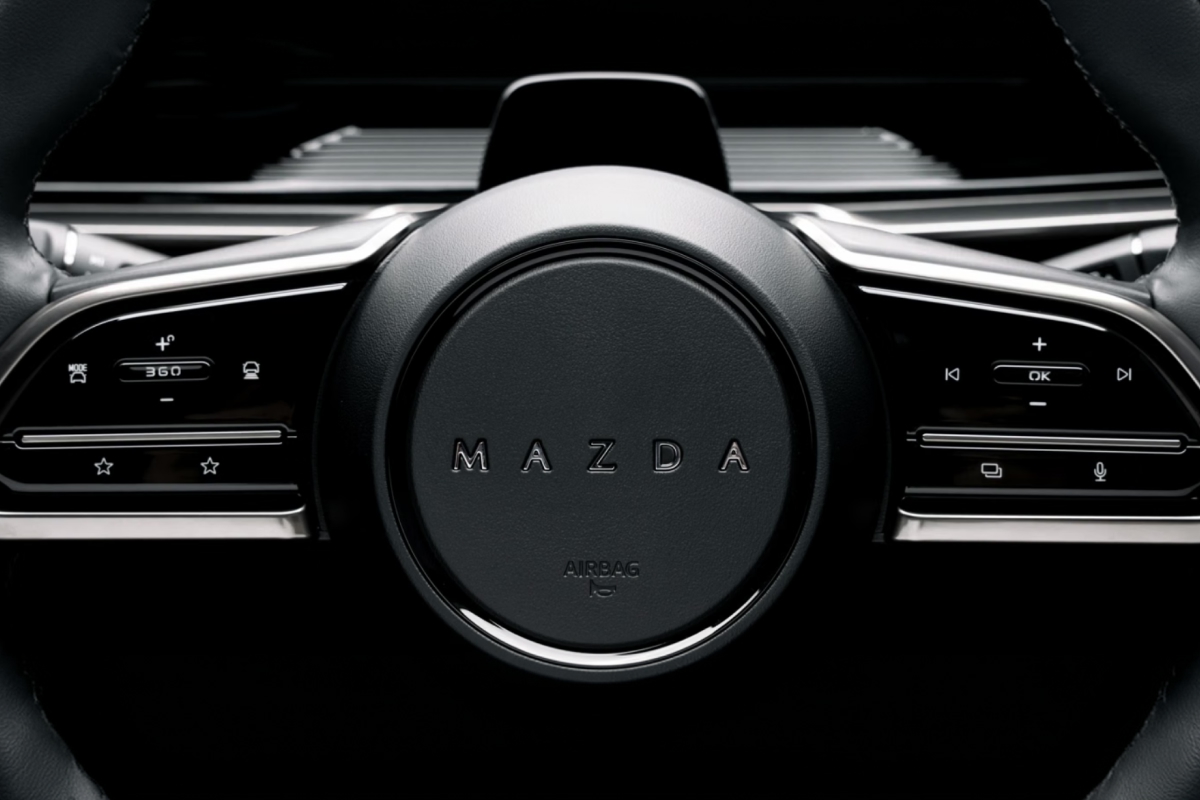
Steering Wheel Shortcuts
Discover how to customise steering wheel shortcuts and access commonly used functions without taking your hands off the wheel or eyes off the road.

Adaptive Cruise Control
Learn how Mazda Radar Cruise Control featuring Stop & Go helps maintain your speed and distance from vehicles ahead for a more relaxed driving experience.

Vehicle Modes & Vehicle-to-Load
Discover features designed for life beyond driving, including Relax, Rest and Pet Comfort modes, plus Vehicle-to-Load capability for powering compatible devices.

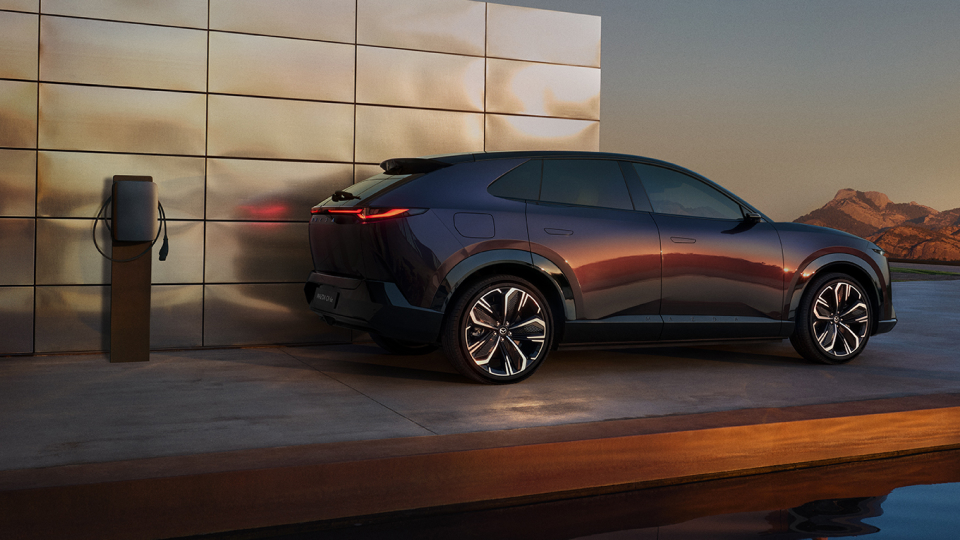
Your CX-6e charging guide
Charging your CX-6e is simple, whether you're at home or on the road.
Learn how to charge, find charging stations and get the most from your battery.
Overseas model shown.
Frequently Asked Questions
The CX-6e doesn't have a traditional start button. Simply sit in the driver's seat with your key or paired phone key nearby, press the brake pedal and wait for the READY indicator to appear on the driver's display. Once READY is shown, the vehicle is powered on and ready to drive.
Connect your phone using the USB port beneath the centre armrest, or pair it wirelessly through Vehicle Menu > Connect. Once paired, your phone will automatically reconnect each time you enter the vehicle.
Yes. Through Vehicle Menu > Seats, Doors & Windows > Driving Position, you can save your preferred seat and mirror positions. Up to three driver profiles can be stored.
Regenerative braking allows the electric motor to recover energy as the vehicle slows down and return it to the battery. You'll see this on the Head-Up Display as a green energy-flow indicator when lifting off the accelerator or braking.
MRCC helps maintain your chosen speed and a set distance from the vehicle ahead. It can automatically slow down, stop in traffic and, in many situations, move away again when traffic resumes.