MyMazda App
Do more with MyMazda


EVERYTHING AT YOUR FINGERTIPS
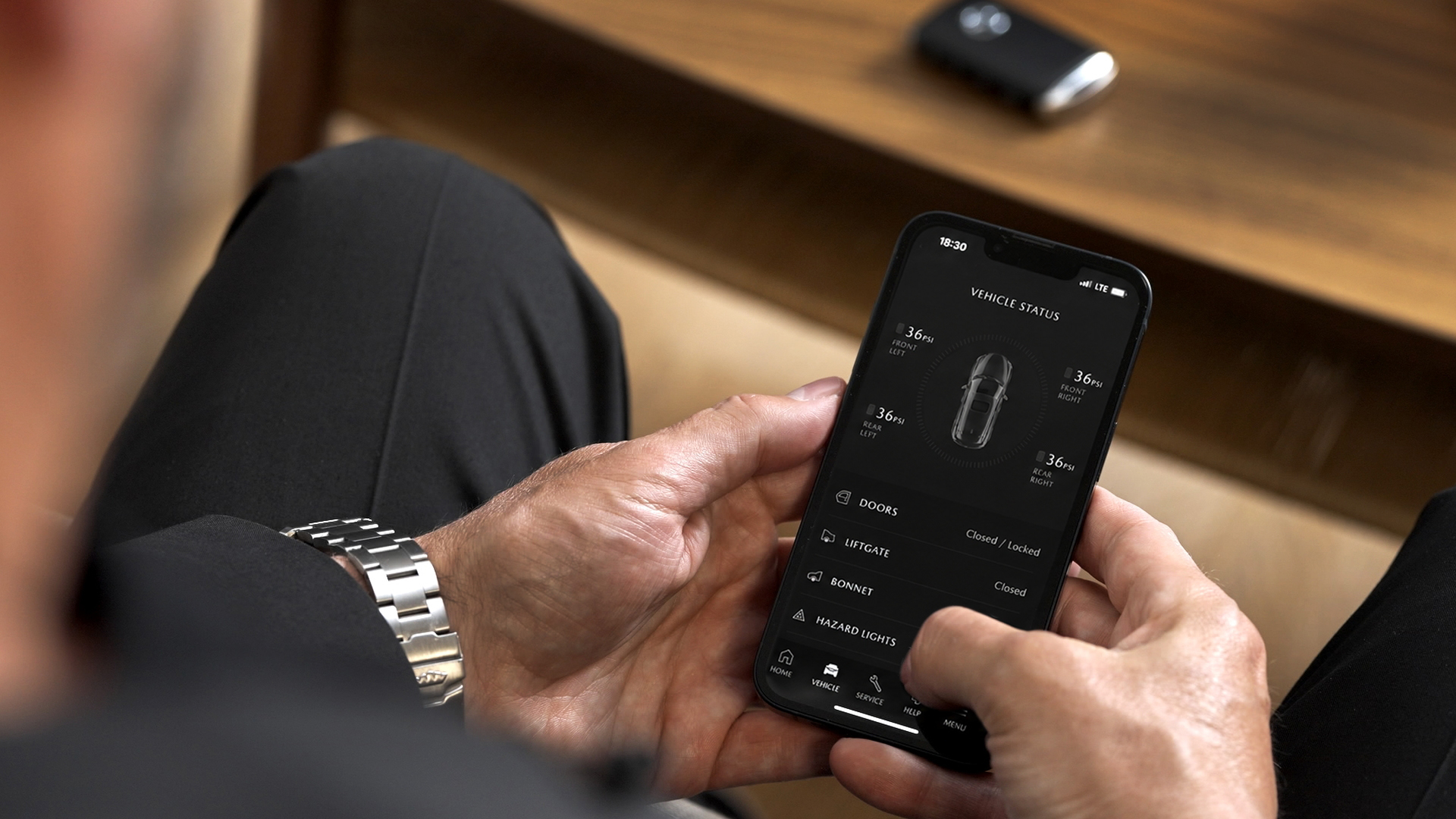
Experience the ultimate convenience with the MyMazda app, designed to keep you connected to your Mazda at all times. From effortlessly scheduling services and updating personal details to receiving timely vehicle updates and locating the nearest Mazda retailer, this app streamlines your Mazda ownership experience.

PUSH NOTIFICATIONS
Receive notifications for service reminders, maintenance and roadside assistance.
Roadside Assistance
Need help on the road? Contact Roadside Assistance directly and view your coverage details in one convenient place.

MANAGE YOUR PROFILE
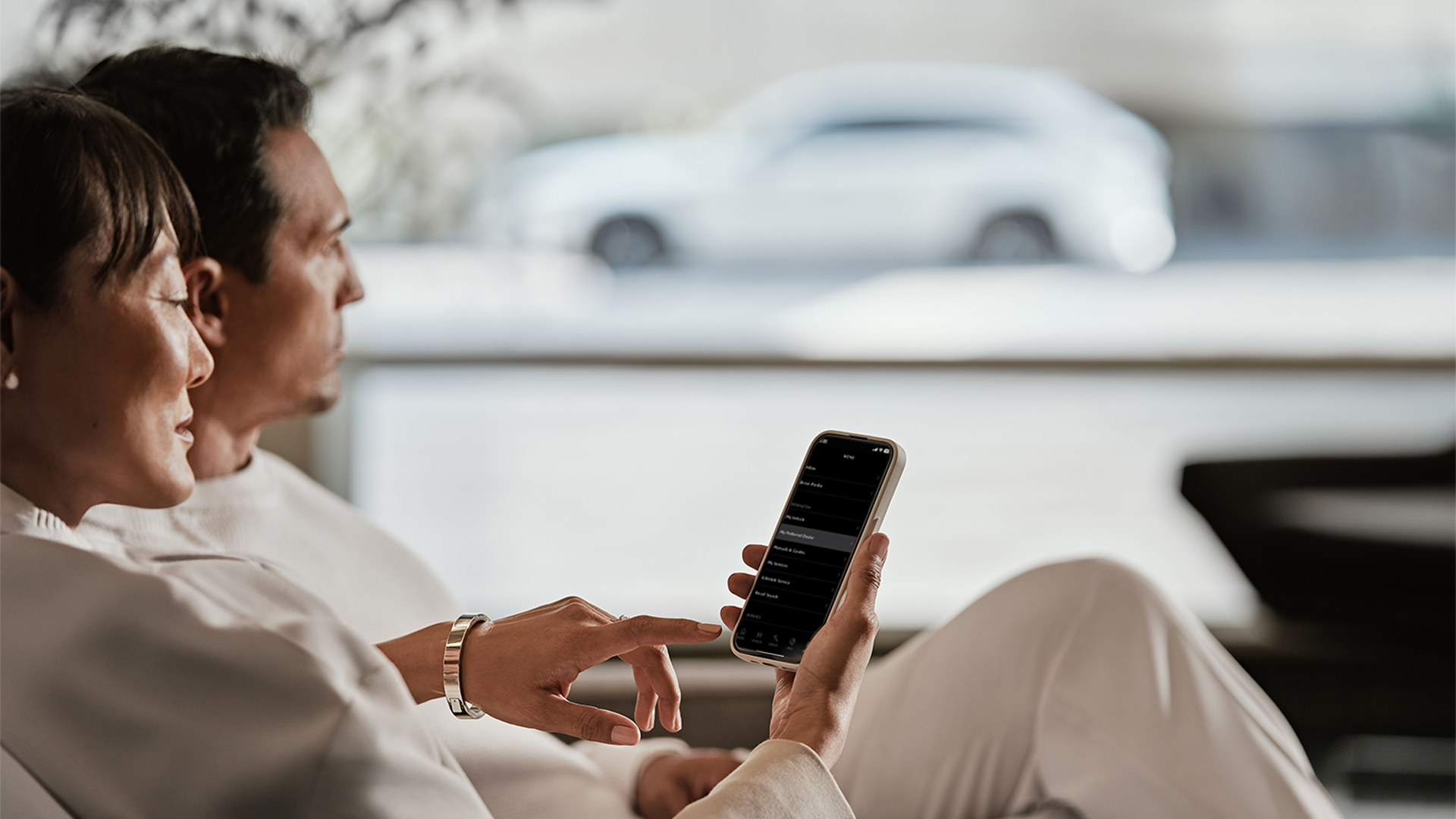
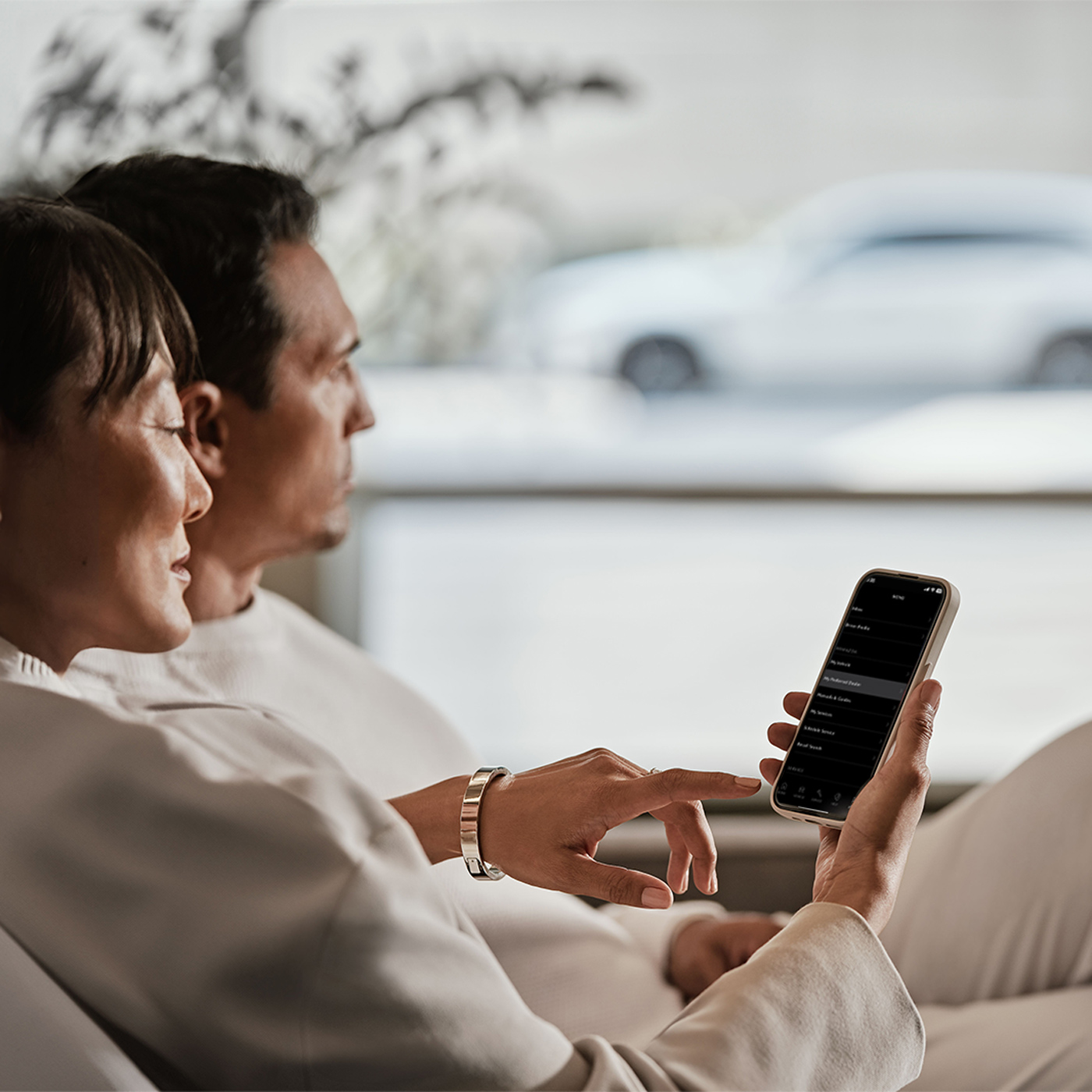
Effortlessly update your personal details to receive timely vehicle updates or locate your nearest preferred Mazda Dealer.
BOOK A SERVICE
Our intuitive online booking system allows you to find a local Mazda partner with a suitable date, decide the scope of services and review your cost estimate.

GUIDES
Ensure a smooth and enjoyable experience with your Mazda by following the recommendations outlined in the Mazda owner's manual directly from the app.

HELP
Our Help section provides solutions to frequently asked questions. For further assistance, reach out to your dealer or contact roadside assistance.
The MyMazda App

Your Contact Details
Your Mazda Vehicle
1
DOWNLOAD
The MyMazda App

2
REGISTER
Your Contact Details
3
CONNECT
Your Mazda Vehicle
FREQUENTLY ASKED QUESTIONS
To register for MyMazda, visit the MyMazda registration page or download the MyMazda App from the Apple App Store or Google Play Store. Follow the provided instructions to complete the registration process.
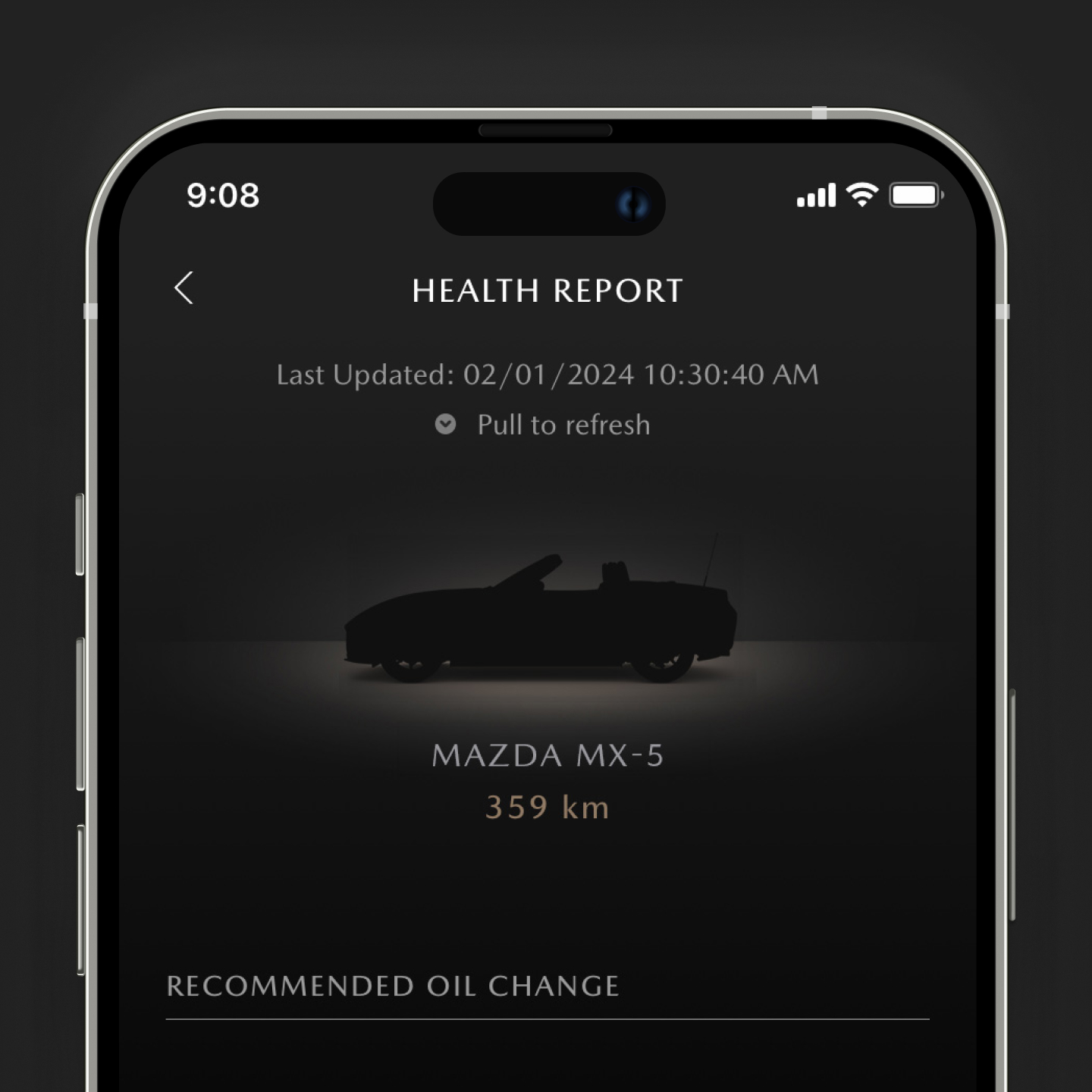
The MyMazda App allows access to essential vehicle documents like the owner's manual and service history. It enables the submission of scheduled maintenance visit requests and provides easy access to roadside assistance. Additional features for Mazda Connected Vehicles include remote control, vehicle locator, and sending destinations to the navigation system.
The MyMazda App is compatible with iOS 17.0 or later for Apple devices and Android 12.0 or later for Android devices. It also works with Apple smartwatches with WatchOS 10.0 or later (not compatible with Android smartwatches). For optimal performance, use an Apple smartwatch with a screen size of 40 mm or more.
After downloading and registering your profile, scan the VIN or manually input the vehicle details to add it to your profile.